Text Node
The Text Node is the primary starting point for most workflows in Editora.
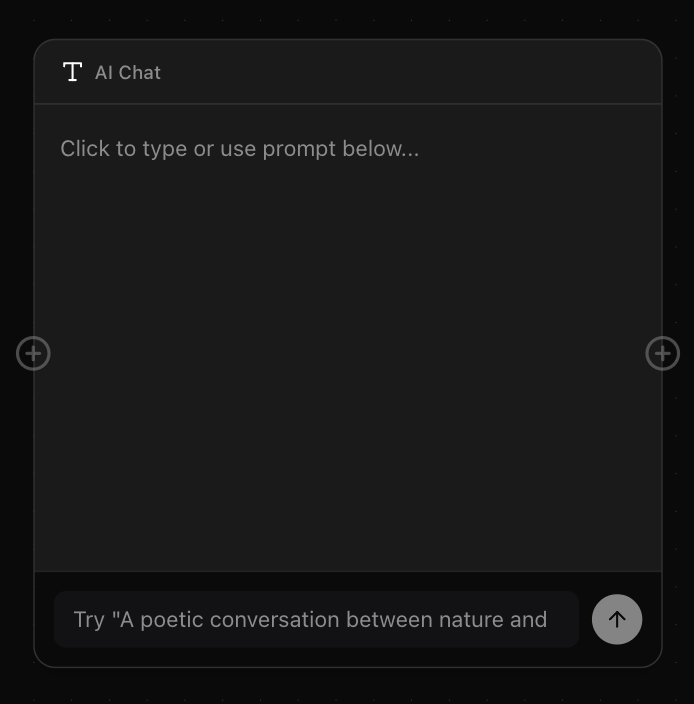
It acts as a versatile container for text input, allowing you to craft prompts, negative prompts, or simply jot down notes.
How to use
Text Nodes are essential for driving generation. You can connect them to Image or Video generation nodes to provide the 'Prompt' input.
Prompting
Using the Text Node allows you to conceptualize and iterate. Try connecting specific text nodes for 'Style' and 'Subject' to experiment with different combinations.
Prompt Splitter
If your text node contains a list, you can use the 'Split list into blocks' feature in the toolbar. This automatically breaks a list into separate Text Nodes, perfect for batch generation workflows.