Runway Gen-3 vs Luma Ray 2: Designing Cinematic AI Shifts
The Video Generation Wars
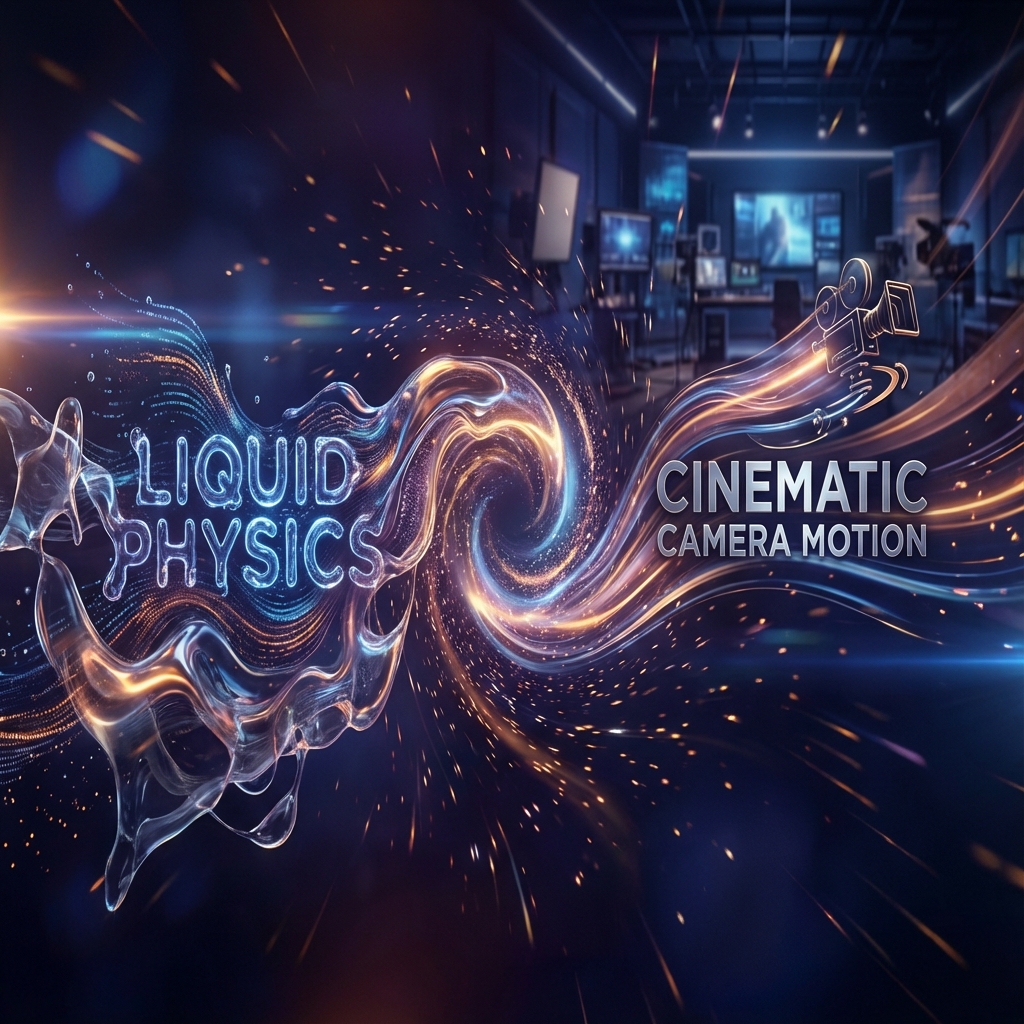
The video generation landscape is evolving at breakneck speed. Runway Gen-3 offers incredible temporal consistency and realistic lighting, while Luma Ray 2 shines with physical realism and complex motion simulation.
But as a creator, why should you be forced to choose just one?
The Hybrid Video Workflow
In a Generative AI pipeline tool like Editora, you don't have to choose. You can combine the strengths of both models in a single node graph.
The "Physics-to-Polish" Pipeline
Here is a common workflow used by high-end AI studios:
-
Start with Luma (The Physics Engine): Luma Ray 2 excels at understanding how things move—water splashing, cloth folding, explosions. Use a Luma Node to generate the initial 3 seconds of high-motion footage.
-
Frame Extraction Node: Pipe the video output into a frame extractor to get the final image of the Luma clip.
-
Transition to Runway (The Cinematographer): Pass that final frame as the initial reference into a Runway Gen-3 Node. Runway is famous for its "camera motion" controls. Use it to extend the shot with a slow, cinematic pan or zoom.
Why This Works
You get the explosive, physically accurate start from Luma, and the smooth, professional finish from Runway. Doing this in separate browser tabs is a nightmare of downloading and uploading files. In Editora, it's just one wire.
Check out our Pricing to see plans that support multi-model video chaining.